How to buy and sell stocks
1
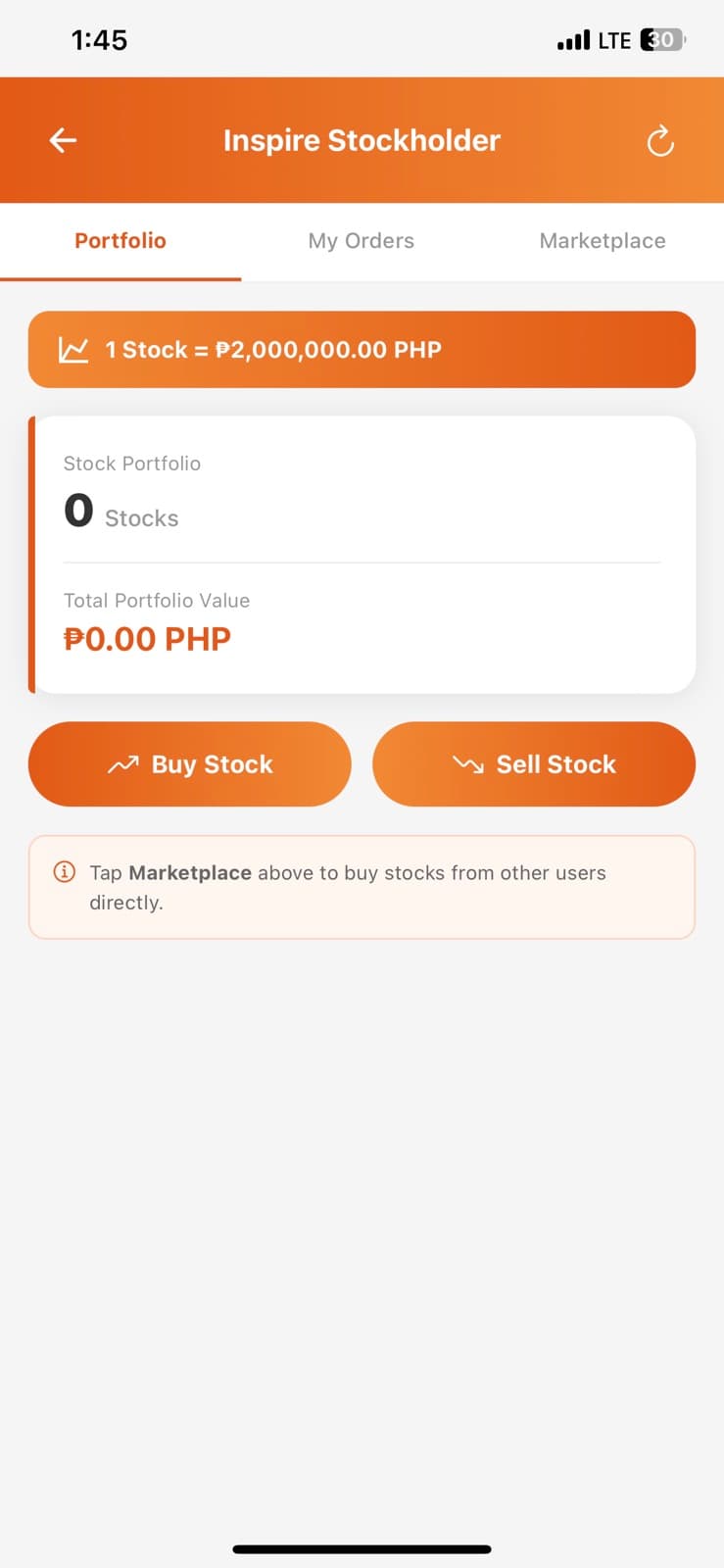
Open Stocks
Go to the Stocks section and view available stocks in the market.
2
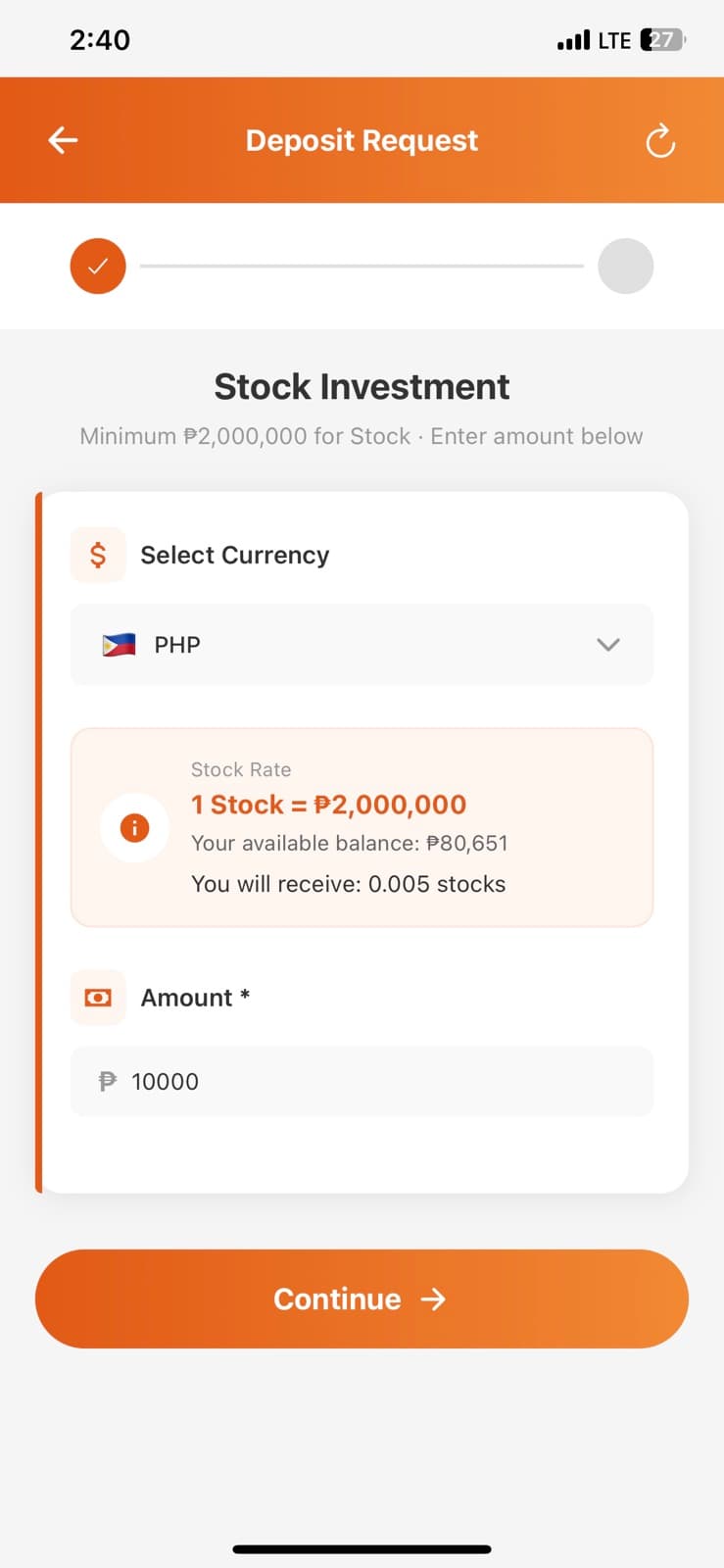
Select stock to buy
Choose a stock, enter the quantity or amount, then review the order details.
3
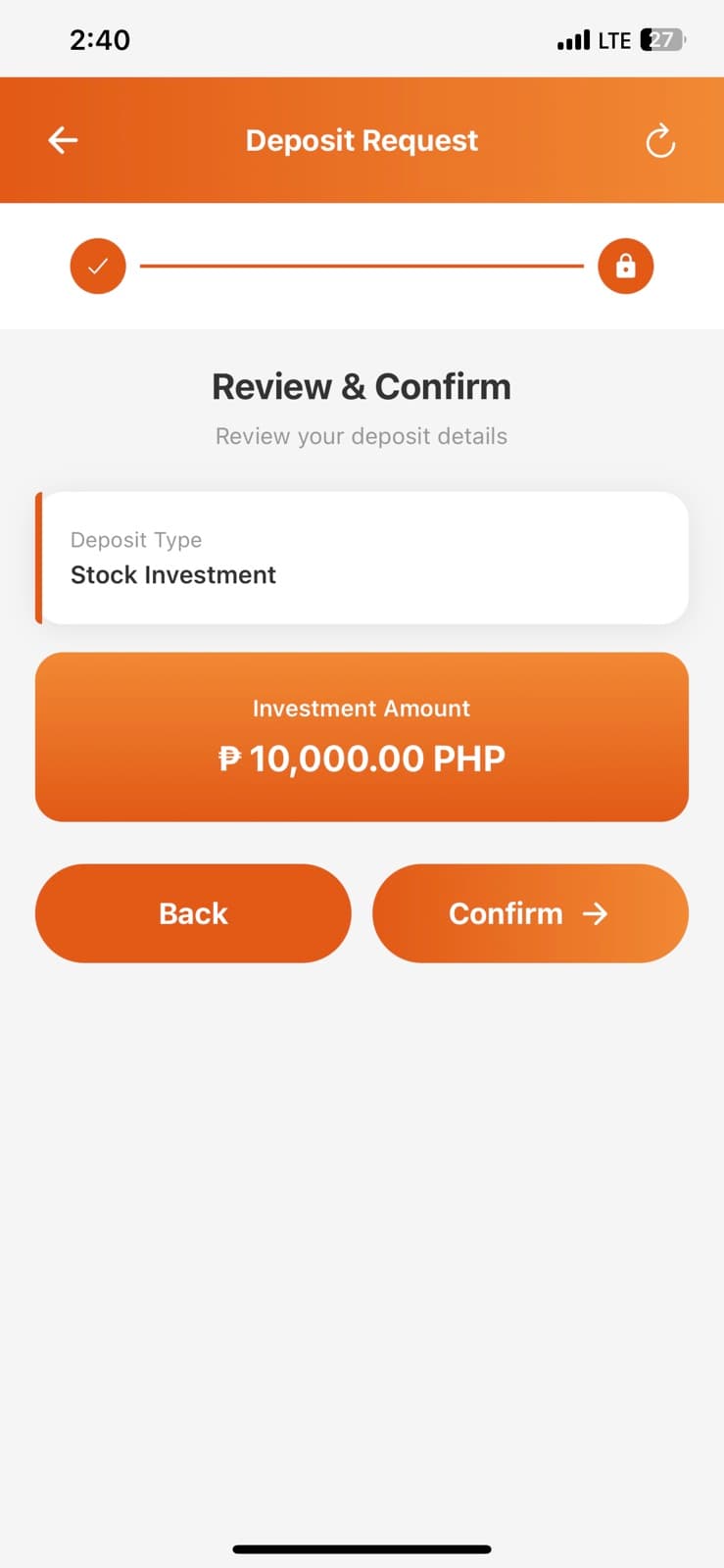
Confirm purchase
Tap confirm to complete your buy order and add the stock to your portfolio.