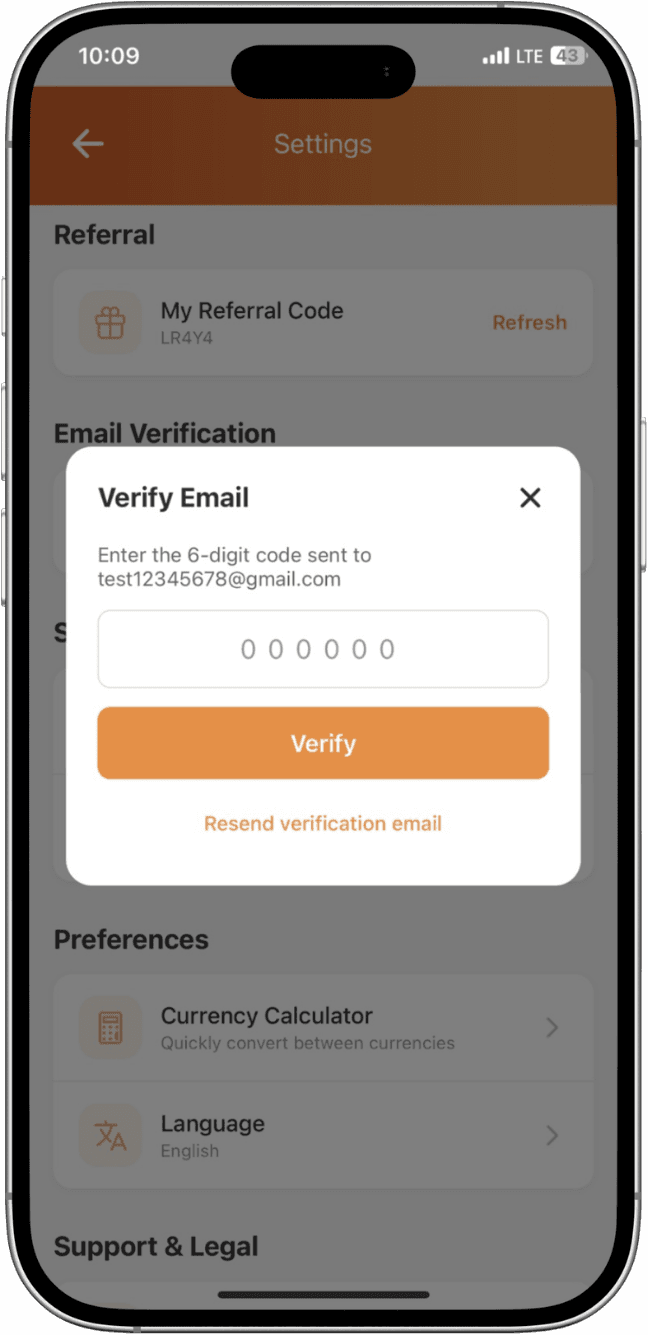
Why verify your email?
Email verification confirms you own the email linked to your account. It helps us send security alerts, password resets, and important updates only to you, while reducing the risk of unauthorized access.
How to verify
- After signing up, check the inbox of the email you used to register.
- Open the email from Inspire Wallet and click the verification link.
- If you didn't receive it, check spam or request a new link from Profile → Email.
- Once clicked, your email is verified and you'll see a confirmation in the app.
Tip: verification emails may take 1-3 minutes to arrive depending on your email provider.