How to create your account
Step 1
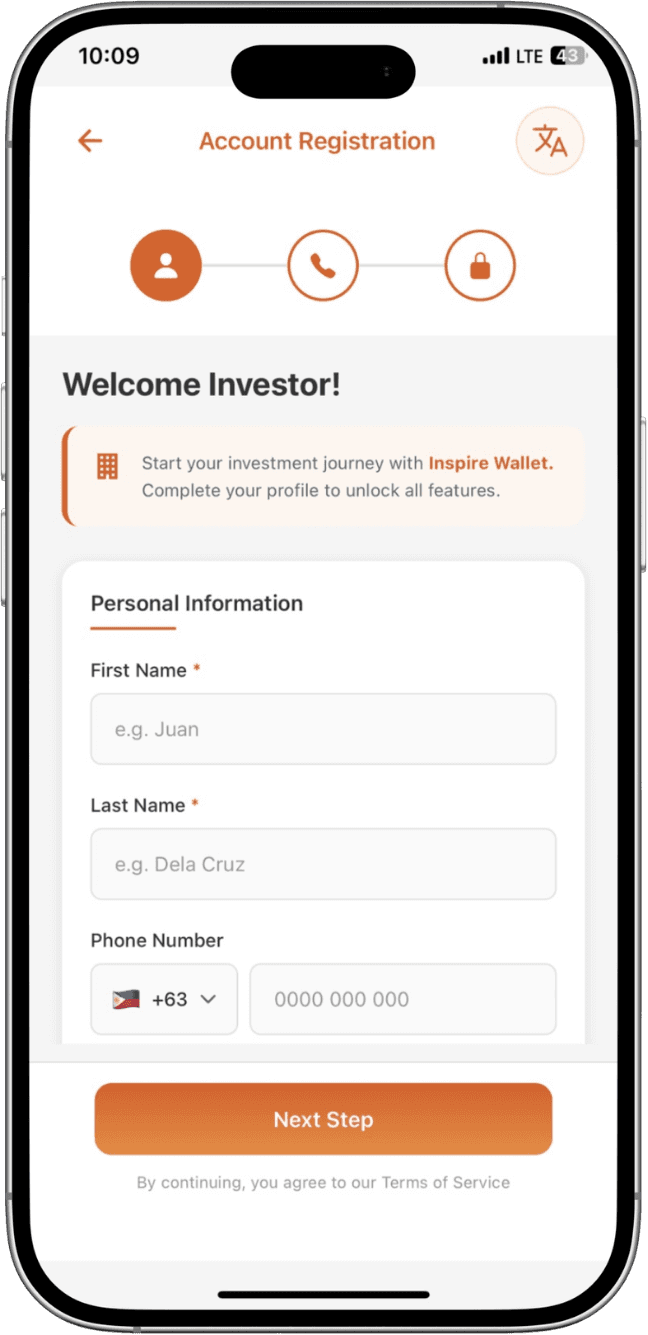
Tap Sign Up
Open the app or website and select Sign Up to begin registration.
Step 2
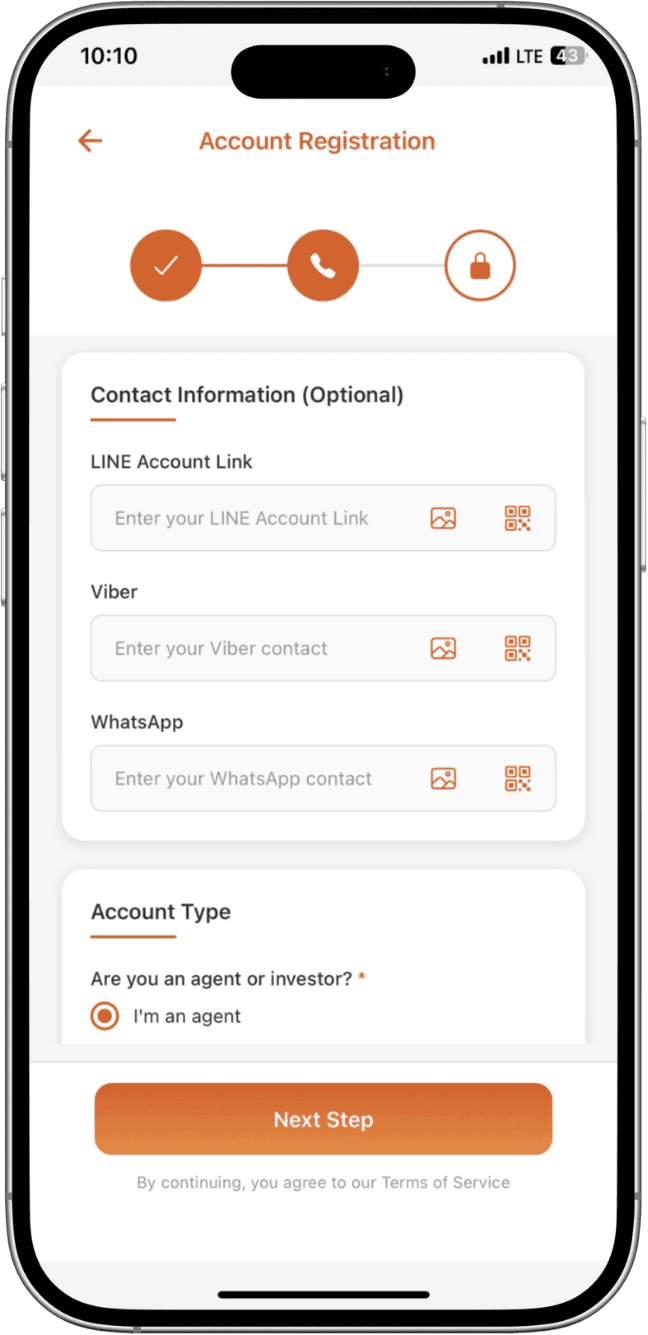
Enter details
Input your email address and create a strong password to continue.
Step 3
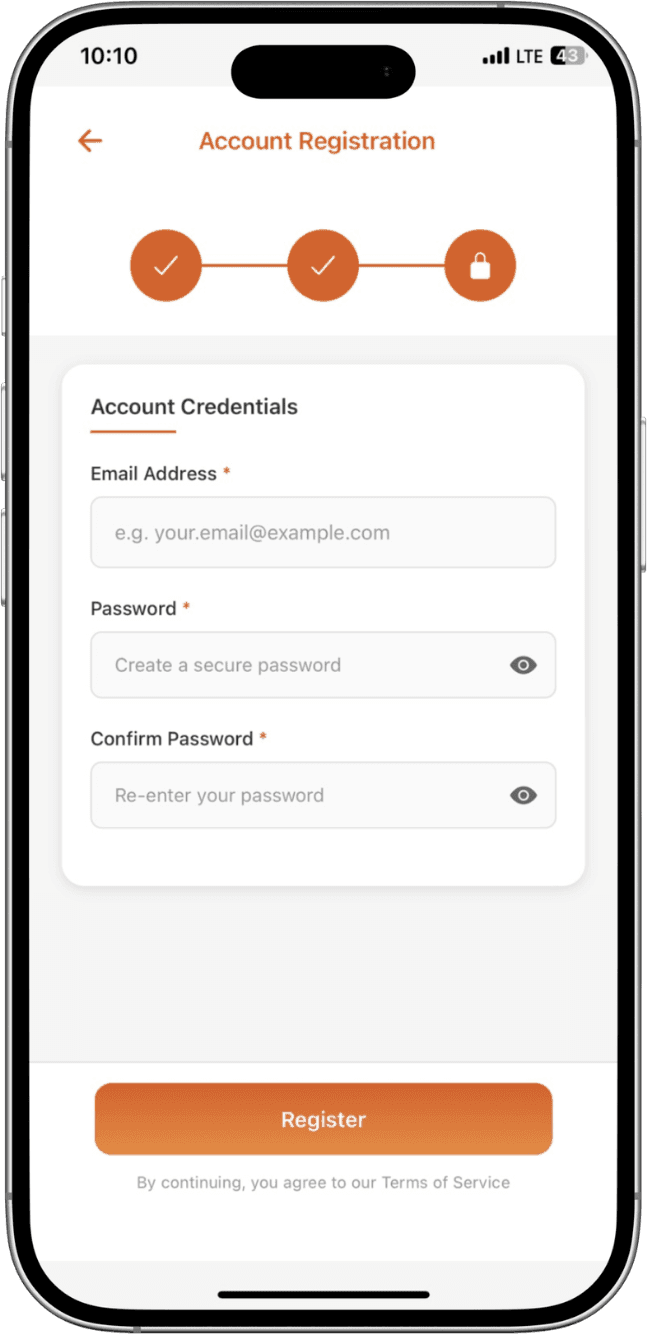
Finish setup
Complete the remaining profile fields and verify your email.
Once your account is created, you can proceed to KYC verification to unlock full features.