Business verification
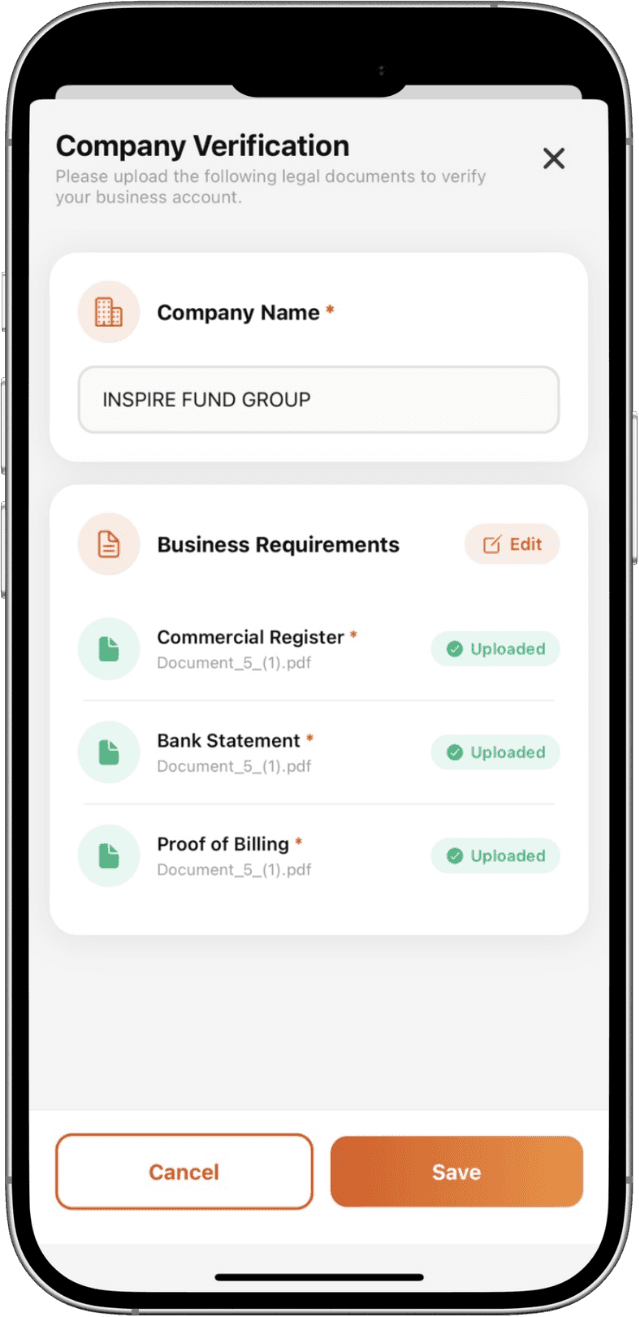
You’ll need to provide company registration documents.
Required documents
- Certificate of incorporation or business registration
- Bank Statement
- Proof of Billing
Steps
- Go to Profile → Verification → Company KYC.
- Enter your company details and upload the required documents.
- Add and verify authorized signatories.
- Submit for review; our team will contact you if anything is needed.